The thumbnail guide
A 1280×720 overlay to drop straight over your thumbnail, plus the sizing rule most thumbnails break.
How to use it
- Open your thumbnail in an image editor: Photoshop, Photopea, GIMP, Figma, Canva.
- Place the PNG as the top layer over your design, at full size.
- Check nothing that matters sits under the duration badge, and that your face and text stay inside the green box.
- Delete or hide the layer before you export. It is a guide, not part of the artwork.
This is the last step of a chain: cut yourself out with BG Doctor, drop the cutout into your thumbnail, lay this guide over the top, then shrink the whole thing to 210px and see whether it still reads.
The files
Overlay
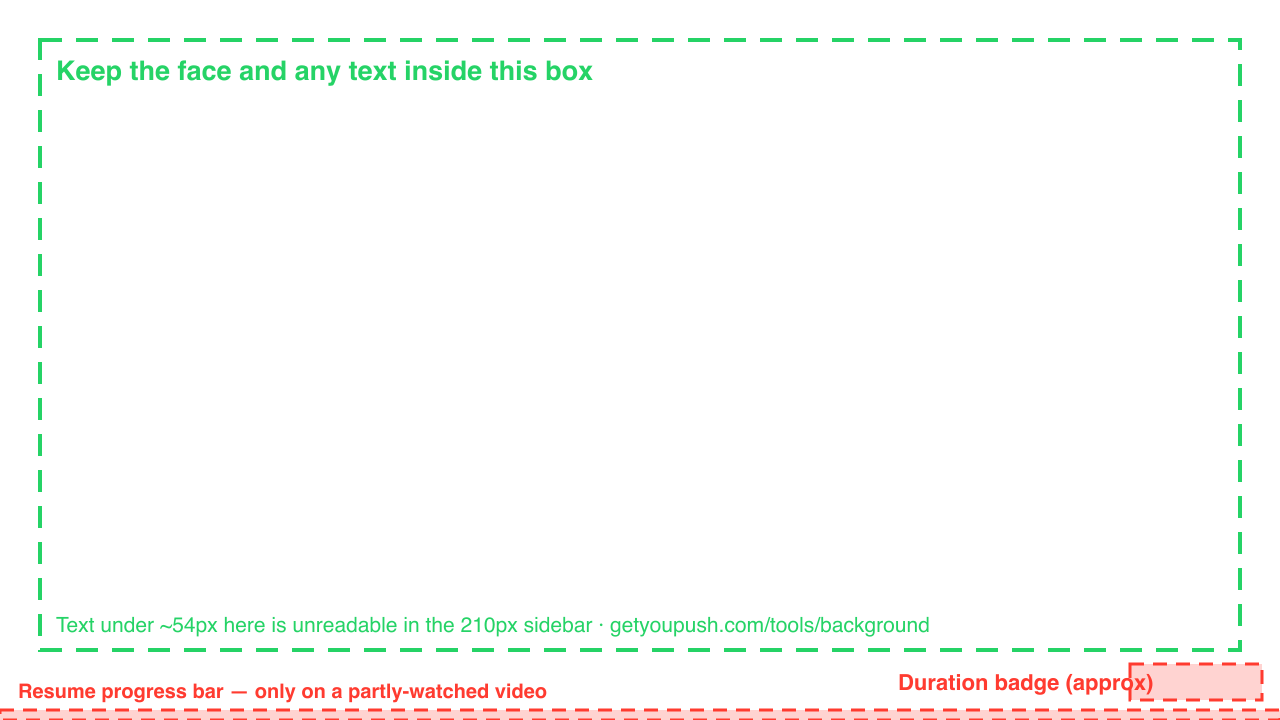
Duration badge, resume bar, and the safe box, marked on a transparent 1280×720 frame.
PNG · 1280×720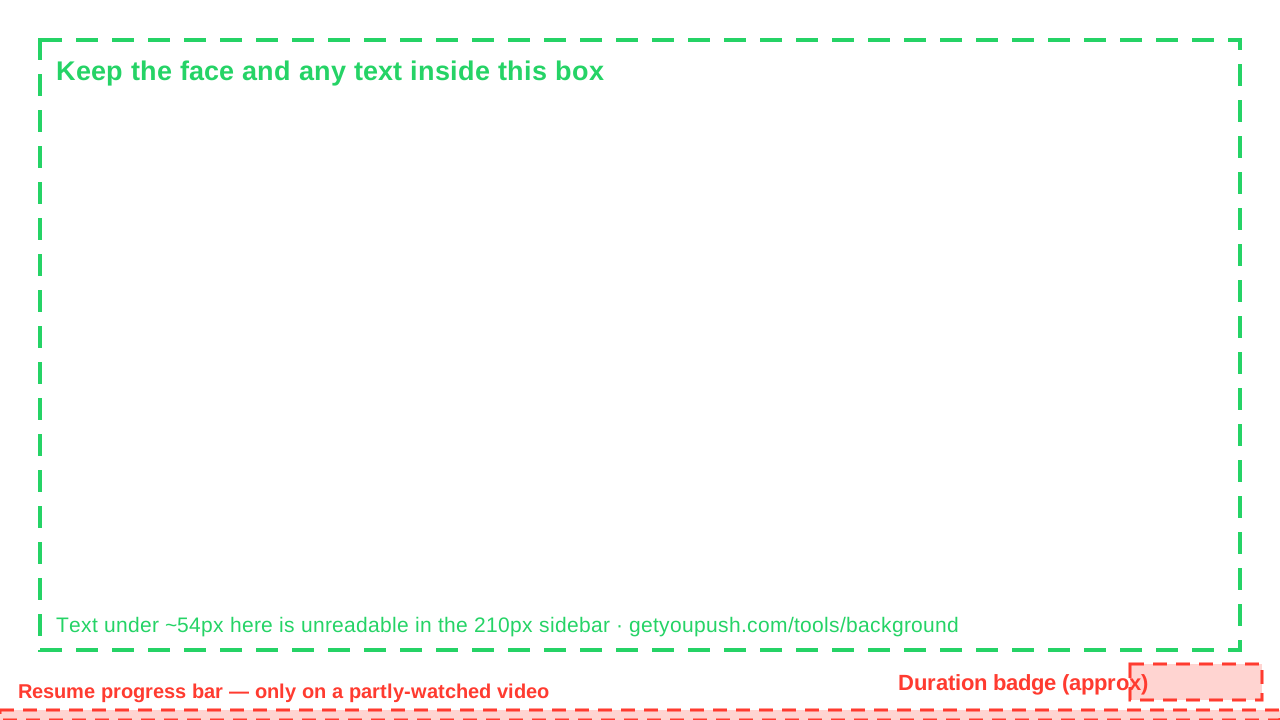
The measurements
For a 1280×720 thumbnail. YouTube tunes these insets, so treat them as close rather than exact.
| Region | Position | Size |
|---|---|---|
| Duration badge | bottom-right, 18px margin | ~132 × 36 |
| Resume progress bar | bottom edge, full width | 1280 × ~10 |
| Safe box | x 40, y 40 | 1200 × 610 |
The sizing rule
Your thumbnail is judged at about 210 pixels wide in the sidebar, and smaller than that on a phone. That is a six-fold reduction from 1280. Text below roughly 54px in your source file lands under 9px where it is actually seen, which is nothing.
The fastest check there is: shrink your own thumbnail to 210px wide and look at it from arm's length. If you can't read it, nobody can.
A busy background is the usual reason a face stops reading at that size, and it takes your text down with it. Cutting the subject out and dropping a flat colour behind them fixes more thumbnails than any amount of tweaking the words. That is what BG Doctor is for, and it runs entirely in your browser.
About YouPush
YouPush remains in private use and is no longer offered for new downloads or purchase.
Current status and support →